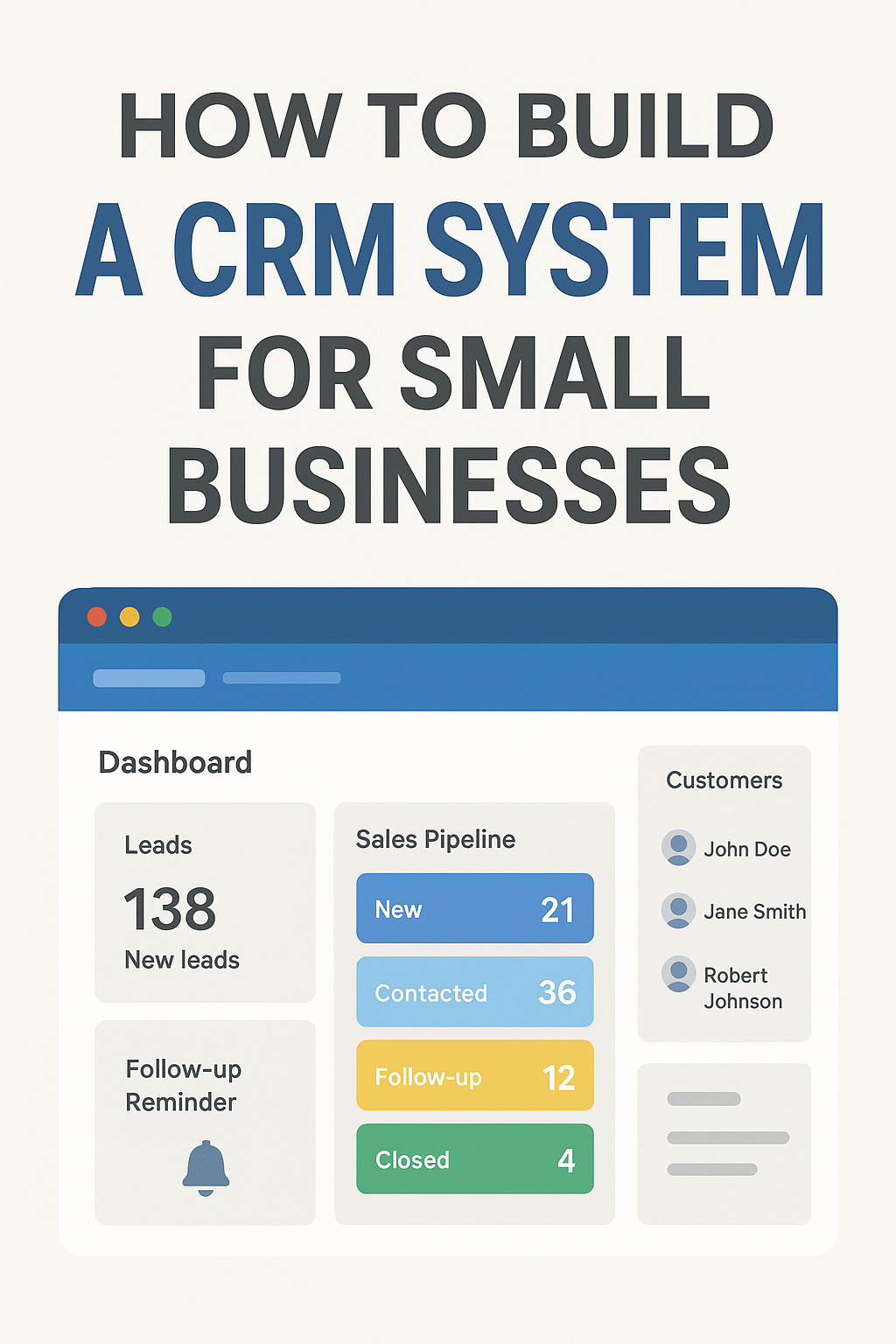
How to Build a CRM System for Small Businesses: Complete Step-by-Step Guide
Small businesses face daily challenges—managing leads, tracking customers, handling follow-ups, sending reminders, and making sure no sales opportunity is missed. A CRM (Customer Relationship Management) system solves all of this by helping businesses organize customer data, automate follow-ups, and improve sales performance.
In this blog, we will explore how you can build and launch a CRM system for small businesses, the complete development process, features to include, monetization ideas, and how to scale it into a profitable SaaS product.
1. What is a CRM System?
A CRM system is software that helps businesses store customer information, track interactions, manage sales pipelines, automate follow-ups, and improve customer relationships.
Why small businesses need it?
They deal with lots of leads manually
They lack organized follow-up tracking
They need automation to save time
They want to close more sales with less effort
2. Why CRM for Small Businesses Is a Profitable Business Idea
This business idea is highly profitable because:
✔ Huge market demand
Small businesses like clinics, coaching centers, real estate agents, freelancers, agencies, shops, and service providers all need CRM.
✔ Subscription Model = Monthly Recurring Revenue
You can earn stable income every month.
✔ Low cost to build + high lifetime value
Once built, the operating cost is minimal.
✔ Businesses stick for years
CRM becomes a core part of their daily operations.
3. Core Features Your CRM System Must Have
1. Lead Management
Capture leads from website forms
Add leads manually
Assign leads to staff
2. Customer Database
Store customer details
Notes and interaction history
Upload files (IDs, documents)
3. Sales Pipeline / Kanban
Track leads in stages (New → Contacted → Follow-up → Closed)
Drag-and-drop pipeline
4. Follow-Up Reminders
Automatic reminders
SMS/WhatsApp/Email alerts
5. Task Management
Daily tasks
Assign to staff
Due dates
6. Appointment Scheduling
Calendar view
Reminders sent to customer
7. Team Member Access
Admin / Staff roles
Permission control
8. WhatsApp Integration
Send quick messages directly from CRM
9. Analytics Dashboard
Daily leads
Conversion rate
Staff performance
10. Mobile Responsive or Mobile App
Small businesses rely heavily on mobile usage
4. Step-by-Step Development Process
Step 1: Market Research & Niche Selection
Choose 1–2 industries to target first:
Real estate
Clinics
Coaching centers
Service providers
Agencies
Freelancers
This helps you create a CRM with industry-specific features.
Step 2: Define User Roles
Admin
Manager
Sales Staff
Support Team
Define permissions for each role.
Step 3: Create the Database Structure
Tables you need:
Users
Leads
Customers
Tasks
Notes
Follow-up reminders
Appointments
Activities timeline
Admin settings
Step 4: Design the UI/UX
Your design must be:
Simple
Clean
Mobile-friendly
Minimal
Use tools like:
Figma
Adobe XD
Sketch
Step 5: Backend Development
Technologies you can use:
Node.js / Laravel / Django
MySQL / MongoDB
Core backend tasks:
APIs for leads
Authentication
Role-based access
Activity logs
Notification system
Step 6: Frontend Development
Use:
React
Vue
Next.js
Implement:
Dashboard
Lead forms
Pipe view
Calendar
Settings page
Step 7: Integrations
WhatsApp API
For sending automated reminders.
Email API
SendGrid / Mailgun.
SMS API
Twilio or local providers like MSG91.
Step 8: Testing & Deployment
Types of testing:
Feature testing
Security testing
Performance testing
Mobile responsiveness
Deploy to:
AWS
DigitalOcean
Vercel
Render
5. Pricing & Monetization Plan
Starter Plan – ₹499/month
1 user
Basic lead management
Business Plan – ₹999/month
5 users
Pipeline
Reminders
Analytics
Premium Plan – ₹1999/month
Unlimited users
WhatsApp automation
Email automation
API integrations
One-Time Setup Charge (Optional)
₹4,999 – ₹14,999 for custom branding.
6. Extra Features to Make Your CRM Stand Out
✔ WhatsApp Bot Auto-Reply
Customers get replies instantly.
✔ Auto Assignment of Leads
Round-robin distribution to staff.
✔ Payment Tracking
Track customer invoices and payments.
✔ Cloud Document Storage
Store files for each lead.
✔ Mobile App (Future upgrade)
Make your CRM even more powerful.
7. How to Market Your CRM
1. Create Landing Page
Highlight:
Features
Demo video
Pricing
Testimonials
2. Run Paid Ads
Google ads targeting:
CRM for real estate
CRM for coaching centers
Facebook ads:
Small business owners
3. Cold Outreach
Send messages on WhatsApp, email, LinkedIn.
4. Offer Free Trial (7–14 days)
5. Partner with Agencies
Give commission for selling your CRM.
8. Long-Term Scaling Plan
Phase 1
Launch with basic CRM features.
Phase 2
Add automation and WhatsApp integration.
Phase 3
Launch mobile app.
Phase 4
Expand to global market.
Final Thoughts
A CRM System for Small Businesses is one of the most profitable SaaS business ideas today. Small businesses struggle with follow-ups, customer communication, and lead tracking—your CRM can solve all these problems easily.
If you build it with clean UI, essential features, and good automation, you can attract hundreds of clients and earn stable monthly recurring income.
If you want, I can also create:
✅ Promotional Image for your blog
✅ Landing Page Content
✅ Pricing Table Design
✅ Website Copy (Home, Features, Pricing pages)
✅ SEO Keywords and Meta Description