
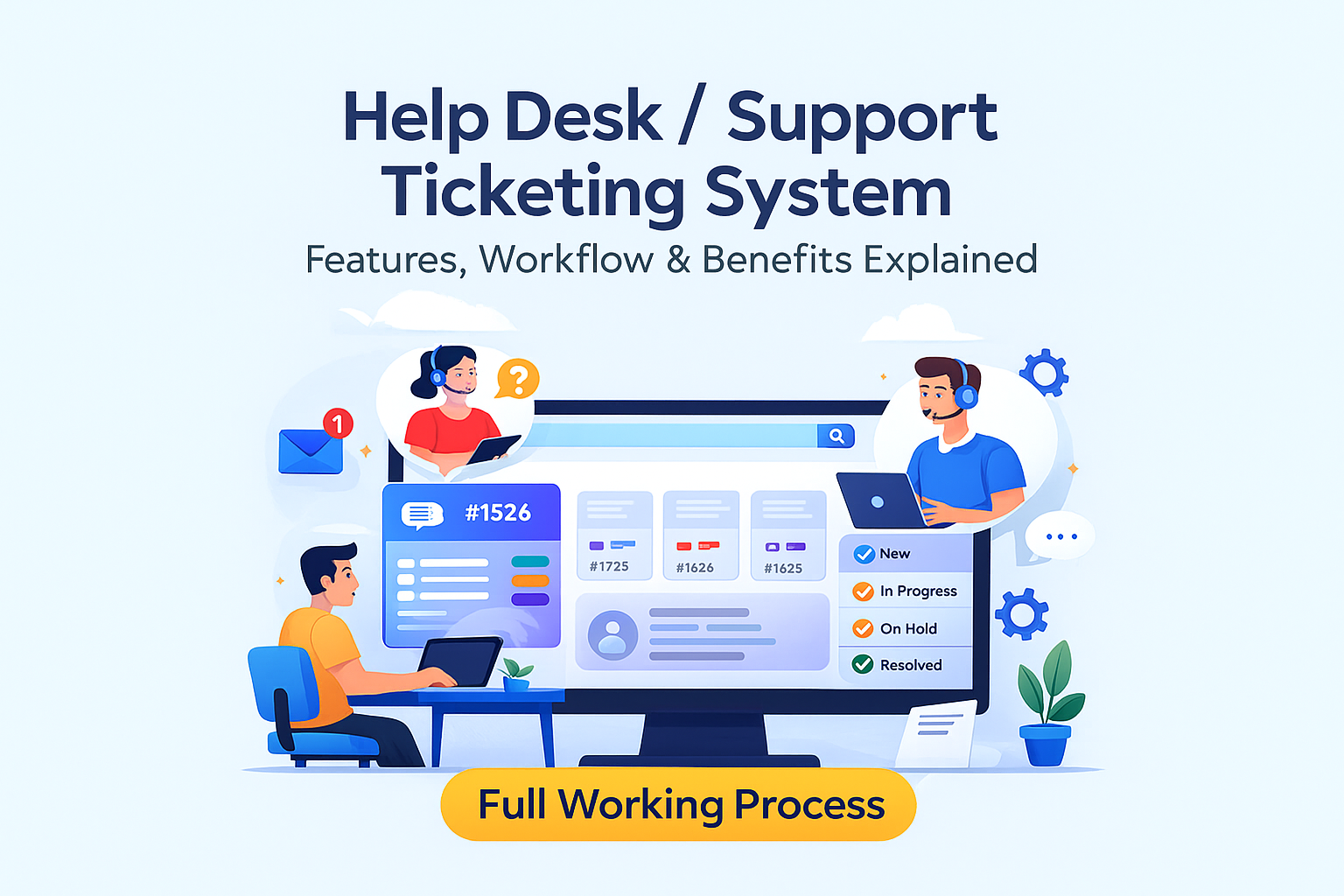
🚀 Help Desk / Support Ticketing System
A Complete Guide: Process, Features, Workflow & Benefits
In today’s fast-paced digital world, customers expect quick responses and seamless support. For businesses, handling queries through emails, calls, and WhatsApp becomes messy and unorganized.
This is where a Help Desk / Support Ticketing System becomes a powerful solution.
A modern ticketing system centralizes all customer issues in one place, improves response time, automates workflow, and boosts customer satisfaction.
⭐ What Is a Help Desk / Support Ticketing System?
A Help Desk System is a software platform where customers can raise support requests (tickets) and your team can manage, track, and resolve them efficiently.
Each request becomes a ticket, which moves through different stages like:
New
Assigned
In Progress
On Hold
Resolved
Closed
This creates a clear, professional support process.
🧩 Why Businesses Need a Ticketing System
✔ No more missed emails
✔ Tracks every customer issue
✔ Helps agents work faster
✔ Brings accountability
✔ Builds trust
✔ Improves customer experience
✔ Saves time with automation
It is ideal for:
IT Companies
Software Agencies
SaaS Platforms
Service Providers
Schools/Colleges
Clinics & Hospitals
E-commerce
Internet Service Providers
Real Estate Agencies
Finance & Loan Companies
Any business that offers customer support
🛠️ How a Ticketing System Works – Step-by-Step Process
1️⃣ Customer Creates a Ticket
A customer can raise a request through:
Website form
Email
Mobile App
WhatsApp
Chatbot
Client Dashboard
They submit details like:
Issue type
Description
Screenshots
Priority
Contact info
2️⃣ Ticket Gets Logged in the Dashboard
The system automatically generates a unique Ticket ID.
Admins and support agents can see:
New incoming tickets
Customer details
Priority level
Timestamp
3️⃣ Auto-Assign or Manual Assignment
Tickets can be:
Auto-assigned based on department
Manually assigned by admin
Assigned to a support agent or team
4️⃣ Support Agent Works on the Ticket
The agent can:
Send replies
Ask for more details
Change ticket status
Update progress
Add internal notes
5️⃣ Customer Gets Real-Time Notifications
Notifications can be sent via:
Email
SMS
WhatsApp
Dashboard notifications
Examples:
“Your ticket has been updated.”
“Your issue has been resolved.”
6️⃣ Ticket Resolution & Closing
Once resolved, the ticket is marked:
Resolved
Closed
The customer may also rate the support.
⭐ Key Features of a Professional Ticketing System
🔹 1. Multi-Channel Ticket Creation
Collect tickets from website, email, chatbot, WhatsApp, and mobile app.
🔹 2. Role-Based Dashboard
Admin
Support Manager
Support Agent
Customer
Each role gets a customized interface.
🔹 3. Automated Workflows
Auto-assign tickets
Priority-based routing
Auto reminders
SLA (Service Level Agreement) timers
🔹 4. Internal Notes
Team members can add private notes visible only to staff.
🔹 5. Ticket Categorization
Category (Technical, Billing, Complaint, Support)
Sub-category
Priority: Low, Medium, High, Urgent
Department
🔹 6. File Attachments
Customers can upload documents, images, videos, or screenshots.
🔹 7. Analytics & Reports
Tickets solved today
Pending tickets
Agent performance
SLA breaches
Average response time
🔹 8. Knowledge Base / FAQs
Customers can solve issues by themselves with guides and articles.
🔹 9. Customer Feedback & Ratings
Helps businesses improve service quality.
🔹 10. Multi-Language Support
Helpful for global or multilingual customer bases.
📊 Admin Panel Overview
Admin can control:
✔ Departments & agents
✔ Ticket categories
✔ Priorities
✔ SLAs
✔ Reports
✔ Customer database
✔ Auto-notification templates
✔ Website & branding settings
👤 Customer Panel Overview
Customers can:
Raise new tickets
Check status updates
Send replies
Upload files
Rate support
View history
🎯 Benefits of Implementing a Support Ticket System
For Customers
Faster support
Clear communication
Real-time updates
No need to repeat the issue
Higher satisfaction
For Businesses
Organized workflow
Higher productivity
Track performance
Reduce delays
Improve service quality
Build long-term trust
💡 Bonus: Advanced Features You Can Add
🔸 AI Chatbot for instant replies
🔸 Automated knowledge base suggestions
🔸 Multi-brand support
🔸 Integration with CRM, WhatsApp API, Email API
🔸 Ticket escalation rules
🔸 Tags & labels
🔸 Custom forms
🏁 Conclusion
A Help Desk / Support Ticketing System is essential for any service-based business that wants to deliver professional, fast, and reliable customer support.
It reduces chaos, increases transparency, and builds a strong brand reputation.